


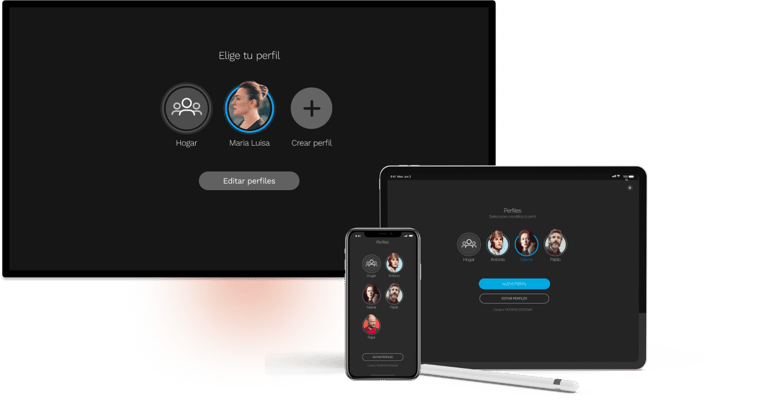
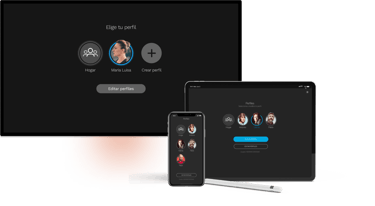
user profiles...
With the change in the technical platform, improvements were made to some of the service’s features. One of them was the user profile. It was implemented on devices that previously lacked this functionality, and child protection was enhanced by unifying and improving the experience.
Role: Lead Product Designer
Year: 2023
CONTEXT & BACKGROUND...
The decision was made to discontinue Movistar+ Junior, a mobile app that provided a safe environment for young children, and instead enhance content protection for these users within the platform’s profile management system.
Another issue was the lack of profiles on the set-top box. Historically, Telefónica’s on-demand TV service did not use profiles, as conventional TV required users to access channels immediately upon turning on the device. This resulted in some devices—those managed by the former CANAL+ Yomvi—having profiles, while the set-top box, managed by Telefónica’s Imagenio, did not.










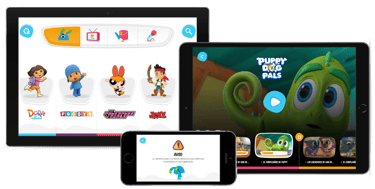
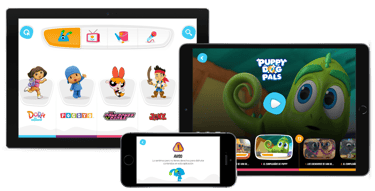

Screenshots of Movistar+ Junior.




These inconsistencies led to very low adoption of profiles on the platform, as actions such as tracking a series on the set-top box, for example, were not reflected in profiles on other devices. It also reduced the level of personalization in the interface—since most profiles were shared, it was difficult to tailor recommendations based on individual viewing habits, among other issues.
RESEARCH & DISCOVERY...
A quantitative study was conducted with over 100 participants to gain a detailed understanding of users and their child protection habits, yielding a large amount of data. Additionally, we analyzed usage data from the Movistar+ Junior app and Movistar+ online customers (those without a set-top box) and began identifying key issues and user types.
user personas...
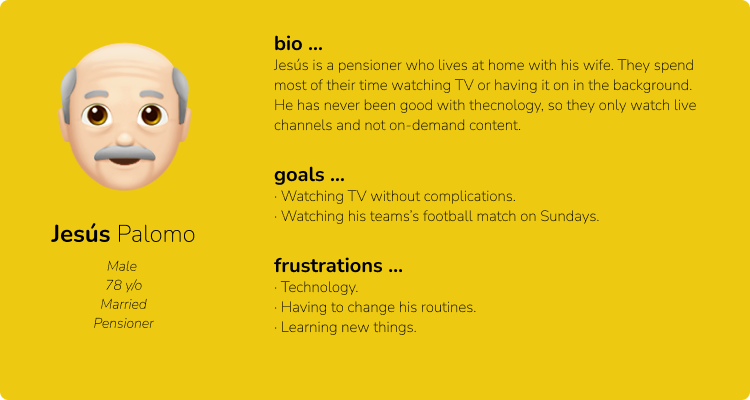
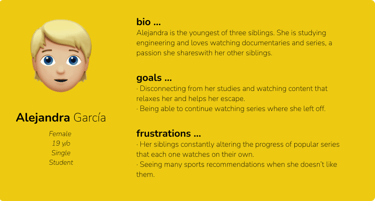
After analyzing the study results and obtaining data from the audience department, we defined three primary user personas:
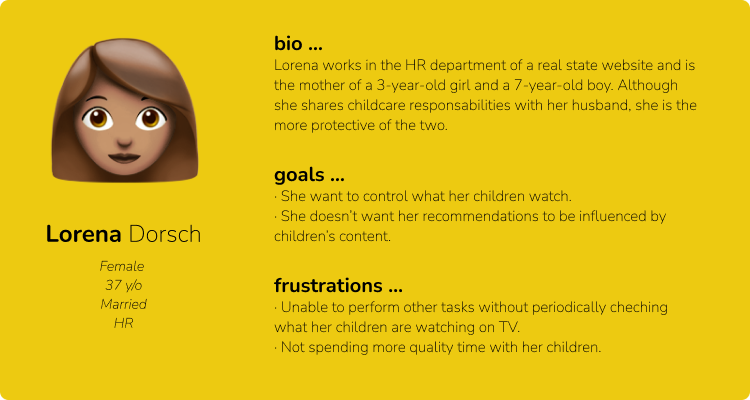
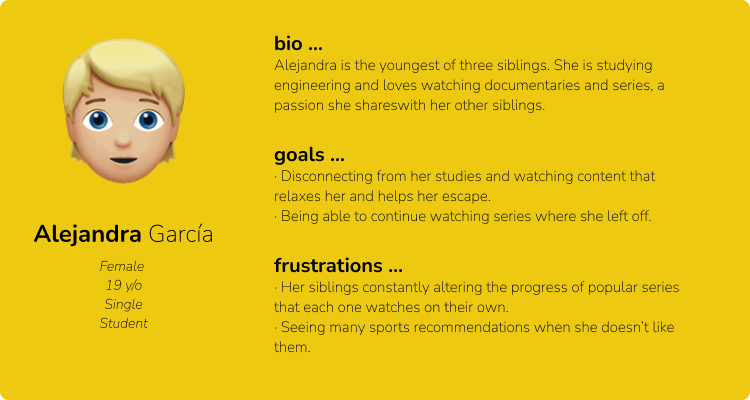
A mother who values profiles to separate content consumption between adults and children.
An older adult accustomed to traditional ways of watching TV.
A student who shares the service with family members or friends.
BENCHMARKING...
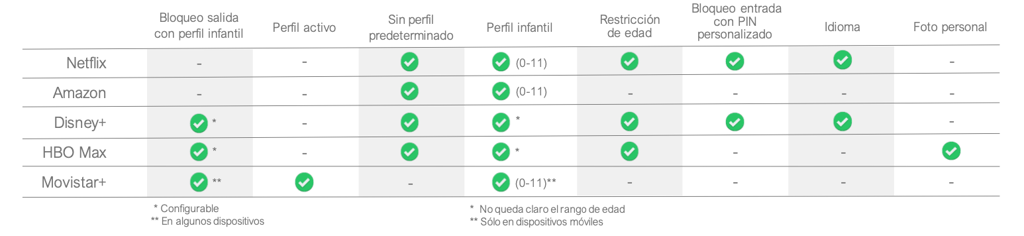
We analyzed the features used by direct competitors and identified industry standards and trends. Movistar+’s own features were included in the comparison for reference.
Table comparing different competitor features.
KEY FINDINGS...
Very few users understand the difference between the concepts of "child profile" and "age restriction."
The main issues with the functionality were grouped into three categories: child protection, low adoption, and inconsistency.
The age rating labels caused significant confusion for most users.
Parents have highly varied approaches to controlling their children’s content, though co-viewing is common for younger children.



Very low Profile adoption across the platform, mainly due to its inconsistent implementation.

ideation...
We generated solutions to the pain points using brainstorming and rapid sketching (Crazy 8) sessions with stakeholders and Agile team members.
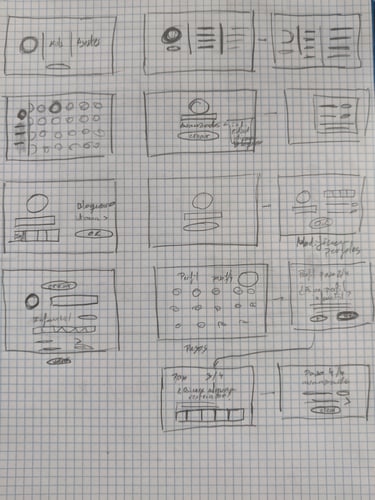
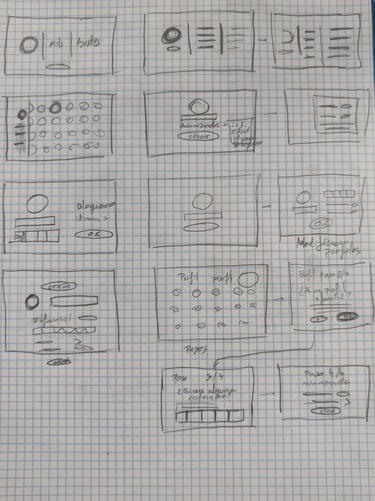
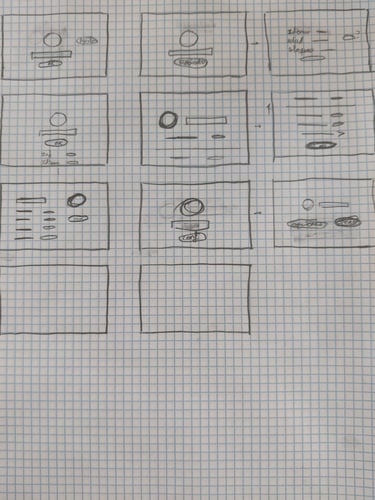
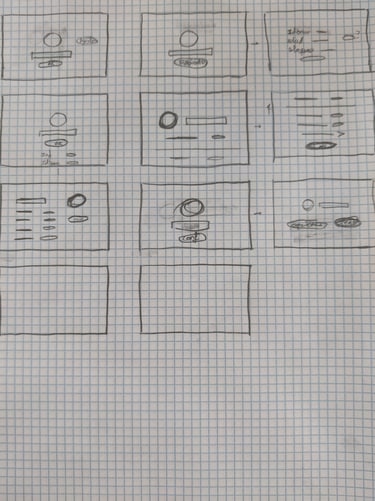
Some of the sketches from the brainstorming session.
user flows...
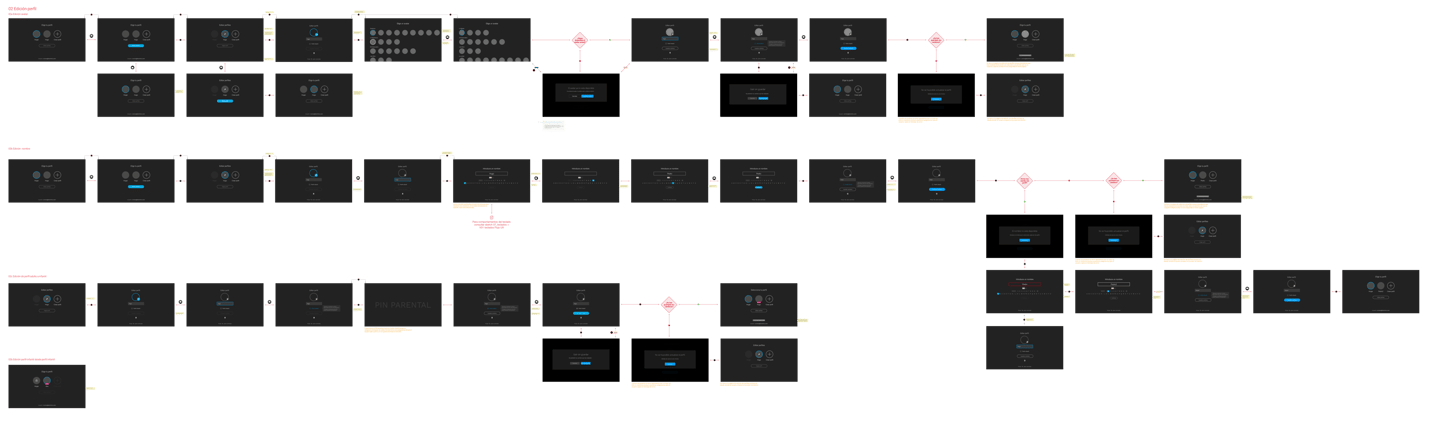
User flows and wireframes were created in collaboration with the Product Manager and stakeholders to ensure functional and technical feasibility. After approval, a working prototype was developed for user testing.
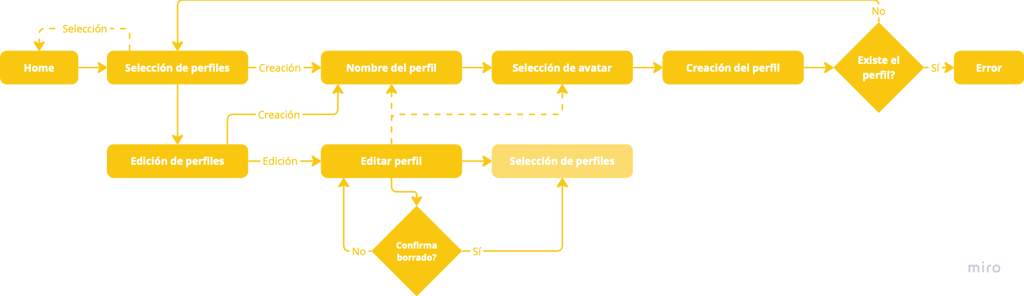
User flow for creating and editing profiles.
Wireframe examples with navigation flows.
solutions design...
After thoroughly studying the issues, we proposed the following solutions:
1. set-top box...
Implementing profiles on the set-top box was a major challenge, as a large portion of users were elderly customers accustomed to conventional TV usage.
Challenge...
solution...
An option was added to disable the profile selection screen if the user prefers.
Adding a profile selection screen when starting the set-top box could be challenging for older users, as they are accustomed to turning on the device and directly navigating channels.
If the user does not interact with the profile selection screen or presses incompatible keys (only navigation keys and ENTER are accepted), a help text appears explaining how to move and interact with the interface. This was designed to facilitate integration for older or less tech-savvy users.
The profile selection screen was hidden if only the default profile exists.
Screens blurred for confidentiality reasons.
Screens blurred for confidentiality reasons.
2. Child Profiles...
A parental control system was implemented to manage the content minors can access, ensuring compliance with Spanish audiovisual content regulations.
It is identified in the studies that users have issues with some of the terms as well as with the interaction with some of the elements of the initial proposal.
Challenge...
The initial proposal was overly complex and overloaded with elements and options, causing users to lose focus on key areas. It also led to interaction issues between the first two elements.
solution...
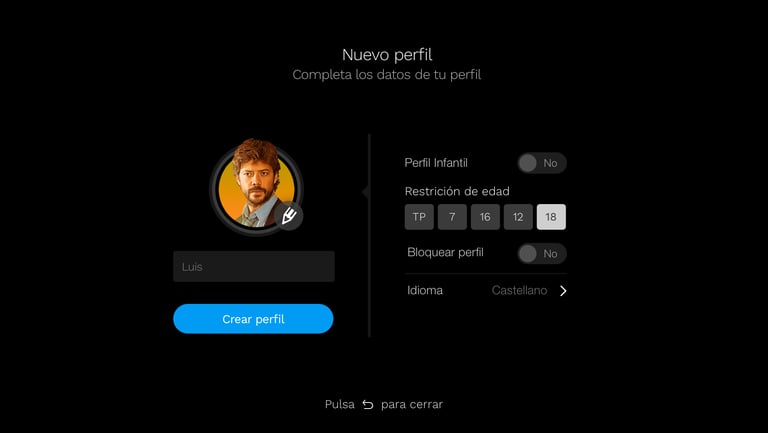


The design was simplified, and secondary functionalities were moved to a separate screen where they could be better explained and grouped.
Screens blurred for confidentiality reasons.
Challenge...
The concepts of "age restriction" and "moral rating" confused users. While they seemed similar, they actually represented opposing concepts (age restriction is a limit "up to" a certain age, whereas moral ratings indicate "above" a certain age).
solution...
The design was adjusted, and clearer descriptive texts were added to help users understand these functionalities, separating age restriction from the child profile selector.
Challenge...
Boolean fields (on/off) caused confusion regarding their status and interaction.


These fields were redesigned to simplify interaction and clarify their function, with updates incorporated into the team’s design system.
solution...
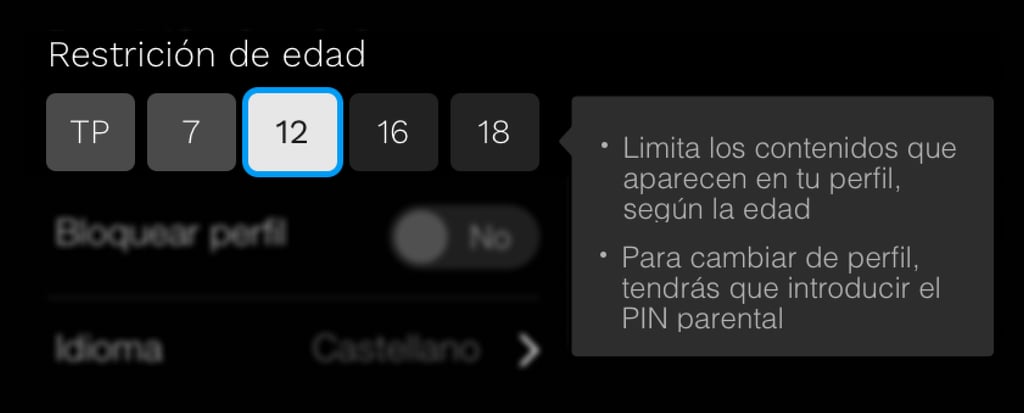
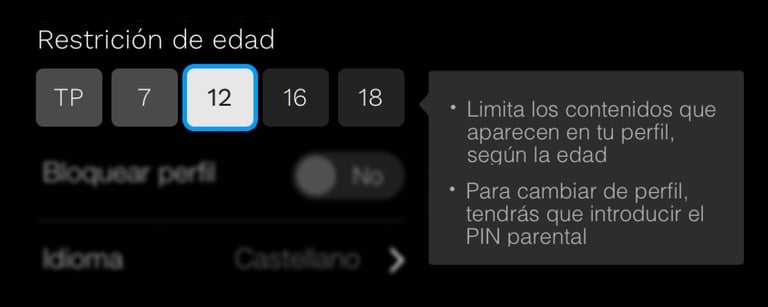
Screens blurred for confidentiality reasons.
3. Increasing Profile Usage...
The mere introduction of profiles (which already existed) into the set-top boxes should lead to greater adoption and usage.
User profiling is integrated into the set-top boxes to create a more consistent experience.
solution...
Challenge...
The default Household Profile (a legacy from Telefónica) and the inconsistent implementation of profiles discouraged personal profile creation.
A new onboarding flow was implemented, requiring users to create a personal profile when accessing the platform for the first time. This increased the connection between the user and their profile, encouraging one profile per person.
studies...
Two studies were conducted: A quantitative online study using the UserZoom platform with a sample of 108 users, yielding a vast amount of data and a moderated qualitative study with 15 users, where they reviewed the proposed corrections and usability was tested.
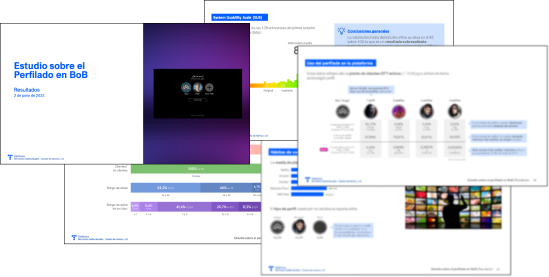
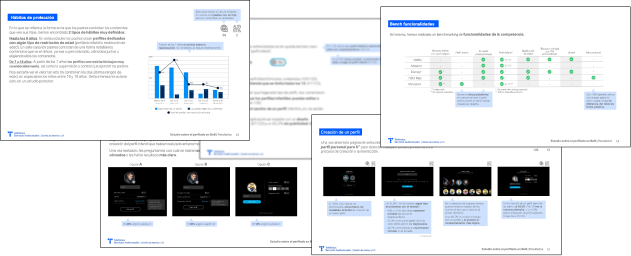
Some pages from the final report of the conducted studies.
results...
While many solutions are still in development, some general conclusions can already be drawn:
Increased visibility of profile management across the platform.
A more tailored experience for different types of users.
Improved security for child profiles.
Greater customization options for user profiles.




aprendizajes...
It’s easy to assume that users are familiar with certain terms, no matter how widespread they are. This issue can be quickly resolved with detailed user research.
Balancing technical feasibility with usability is often challenging, but with creativity and stakeholder collaboration, viable solutions can always be found.
Parental control methods vary greatly depending on children’s ages, family values, and levels of permissiveness.
© Copyright Rogelio Casado 2025. All rights reserved.

